The Auto-Applied Recommendations Audit: What Google Changed Without You
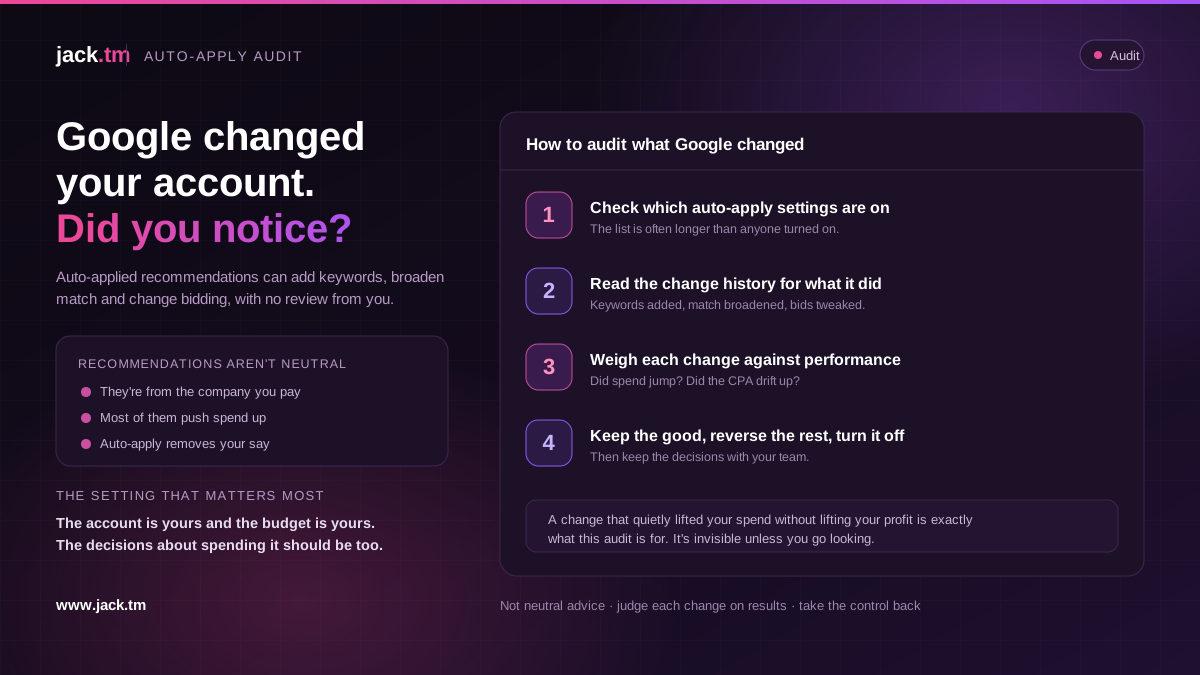
Google can change your account without you touching it. Through auto-applied recommendations, it can add keywords, broaden match types, change bidding and adjust settings on its own, and in a lot of accounts this is switched on without anyone quite realising. An audit of what has been auto-applied is one of the more revealing checks you can run, because it shows you decisions made for you, in Google's interest as much as yours. Here is how to see what was changed and decide what to keep.
Google's recommendations are not neutral advice
The thing to understand first is that Google's recommendations are not disinterested. They are suggestions from the company that gets paid when you spend more, and a lot of them, broad match, higher budgets, looser targeting, automated bidding changes, tend to push spend up. Some are genuinely good. Some are good for Google and only sometimes good for you. Treating them as neutral expert advice, rather than as a sales recommendation with your money, is the mistake that makes auto-apply dangerous.
Auto-applied recommendations take this a step further by removing the decision from you entirely. When auto-apply is on, these changes happen automatically, without you reviewing or approving each one, which means Google is making changes to your account in its own commercial interest, and you may not even know. The audit exists because you cannot judge changes you have not seen, and auto-apply is designed so you do not have to see them. The first job is simply to find out what has been happening.
Finding what's switched on and what it did
The audit starts by checking which auto-apply settings are enabled, because the list is often longer than people expect and frequently includes things nobody deliberately turned on. Then it looks at the change history, the account's log of every change and who made it, to see what has actually been auto-applied and when. This is where it gets concrete: you can see the keywords Google added, the match types it broadened, the budget and bidding tweaks it made, all stamped as automatic rather than made by your team.
Reading that against performance is the revealing part. Did the spend jump when broad match was auto-applied? Did the cost per acquisition drift up after an automated bidding change? Did keywords you would never have chosen start eating budget? The change history plus the performance data tells you not just what Google did but what it cost or earned, which is the only basis for deciding whether each change should stay. A change that quietly lifted your spend without lifting your profit is exactly the kind of thing this audit is meant to catch, and it is invisible unless you go looking.
Keep the good, reverse the rest
The point of the audit is not to assume everything Google did was wrong; it is to judge each change on its results, which is what should have happened before it was applied. Some auto-applied changes genuinely help, and those you keep. Others pushed spend up without a matching return, broadened your targeting into waste, or moved bidding in a direction that cost you, and those you reverse. The audit turns a set of silent, automatic decisions into a reviewed list where each one has earned its place or been undone.
Then comes the setting that matters most: deciding what, if anything, you let Google change automatically from here. For most accounts that care about profit, the right answer is to turn auto-apply off and keep the decisions with the people managing the account, reviewing Google's recommendations manually and applying only the ones that make sense. Recommendations can be useful as prompts; they should not be changes that happen behind your back. The account is yours, the budget is yours, and the decisions about how it is spent should be too. An auto-applied audit is how you take that control back, and the setting change is how you keep it.
FAQs
What are auto-applied recommendations? Changes Google makes to your account automatically, without you approving each one, when auto-apply is switched on. They can include adding keywords, broadening match types, raising budgets and changing bidding. Many accounts have this on without realising.
Why audit them? Because Google's recommendations serve its interest as well as yours, and many push spend up. Auto-apply makes those changes without your review, so you may be spending more or targeting wider without knowing. The audit shows what was changed and what it cost or earned.
How do I see what Google changed? Check which auto-apply settings are enabled, then read the change history, the account's log of every change and who made it. Auto-applied changes are stamped as automatic, so you can see the keywords added, match types broadened and bidding tweaks made, and when.
Should I keep auto-applied changes? Judge each on its results. Some genuinely help and you keep them. Others lifted spend without a matching return or broadened targeting into waste, and you reverse those. The audit turns silent automatic decisions into a reviewed list where each has earned its place.
Should I leave auto-apply on? For most profit-focused accounts, no. Turn it off and keep the decisions with the people managing the account, reviewing Google's recommendations manually and applying only the ones that make sense. Recommendations are useful as prompts, not as changes made behind your back.